Last Updated: 21/05/2024
WordPress tags allow users to organise their content beyond the standard categories. Tags function as keywords that highlight key aspects of a post, making it easier for users to find related content. But can it help your Search Engine Optimisation (SEO)? In this guide, we’ll cover what you need to know about WordPress tags, including if and how they can help your SEO efforts, and the best practices for using them.
What Is A WordPress Tag?
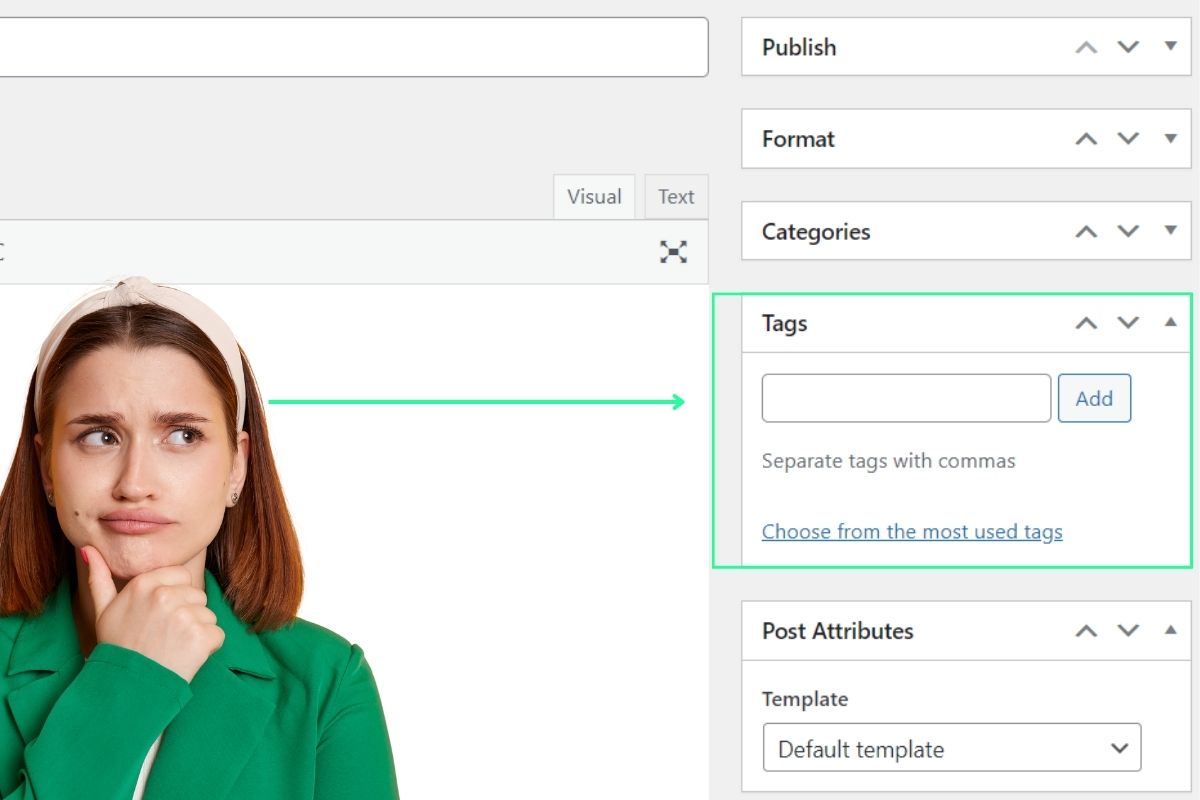
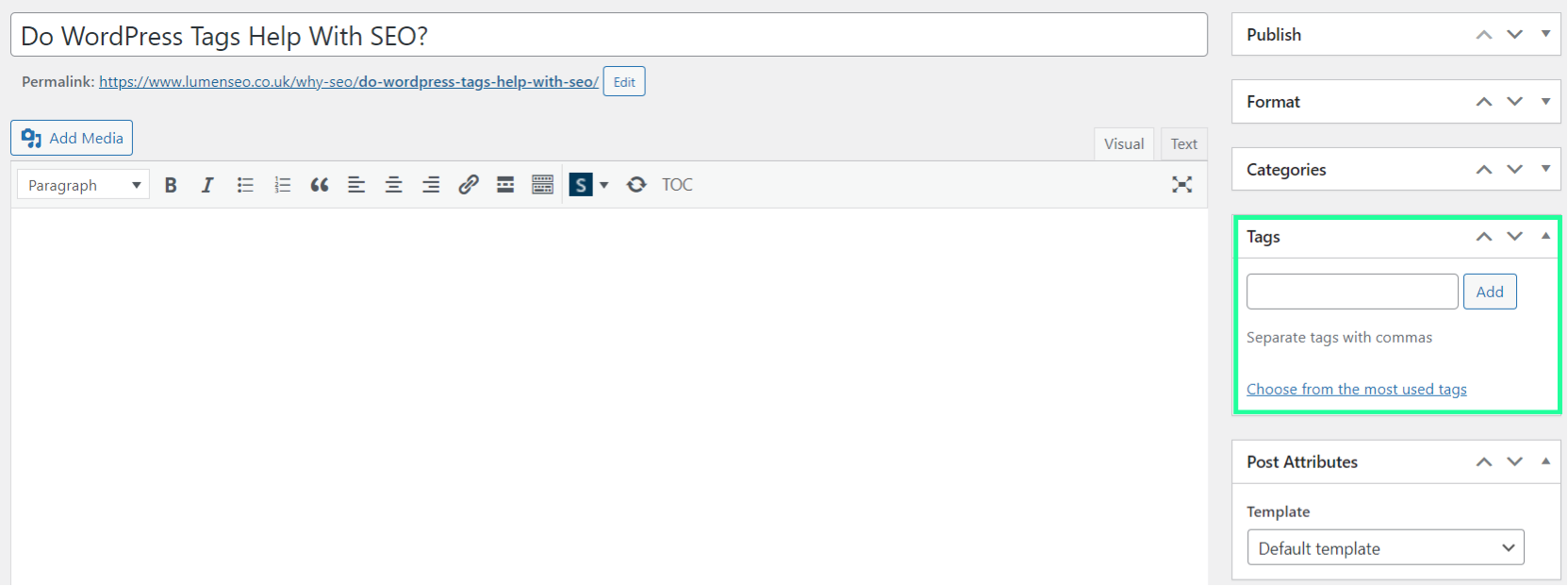
WordPress has a built-in ‘tag’ function which allows you to group similar content on your website. This can help users find content related to a specific topic within your site. Depending on your WordPress theme, tags might appear above, below or to the side of your post.
WordPress Tags vs. Categories
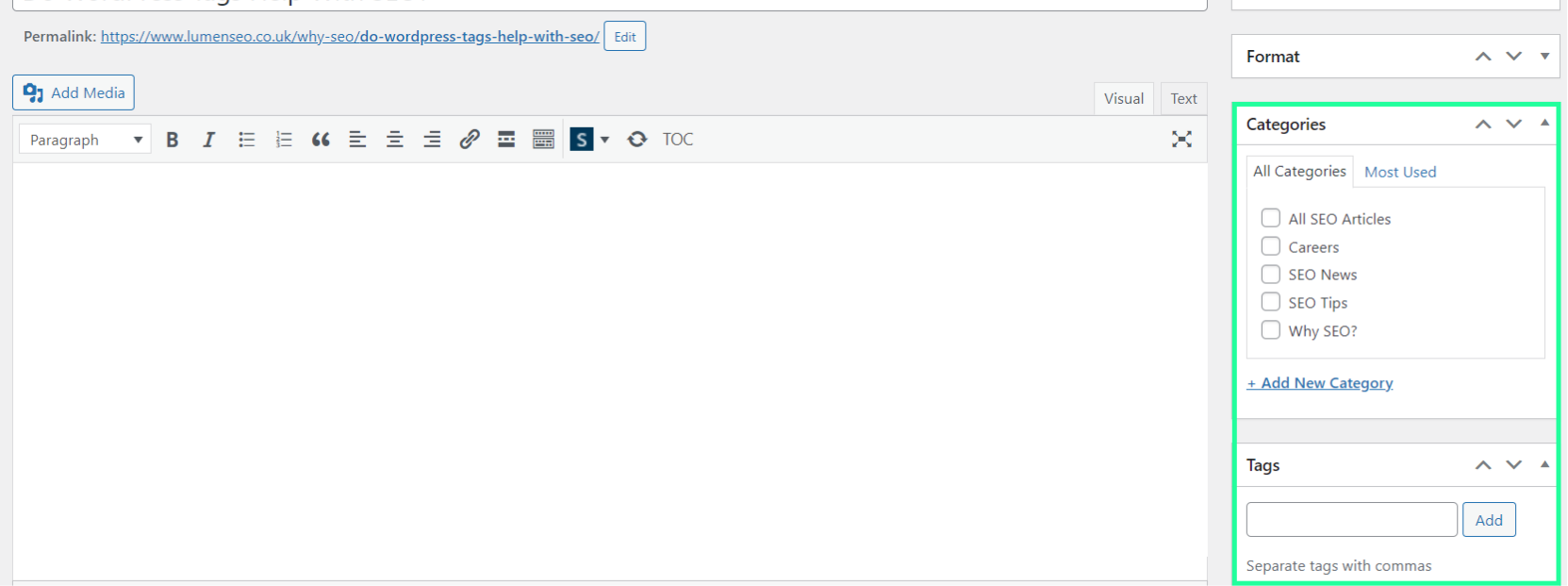
Tags are different from the more frequently used categories. WordPress categories are meant for (broadly) grouping posts, to help organise your content into main topics. Tags, on the other hand, are used for more specific keywords.
Unlike categories, which are hierarchal and can have subcategories, tags are non-hierarchical classes used to relate posts to each other, and these stand alone.
In general, a post can have multiple tags, but it should belong to just one or a few categories. Indeed, while categories are obligatory for posts, you don’t have to use any tags at all.
For example, if you ran a blog about tech and gadgets, your categories and subcategories might look like:
- Reviews
- Smartphones
- Watches
- Laptops
- Headphones
- Guides
- How-To
- Troubleshooting
- Tips and Tricks
- News
- Product Launches
- Industry Trends
However, your tags might be more specific, such as: 5G, iOS, Android, Apple, VR.
Do WordPress Tags Help SEO?
On their own, tags are not crucial for SEO. However, tags can help bots to better understand your website and content, which can help them to better index and rank your site. Tags can also help your users to find related content with ease, increasing the time they spend on your site. However, you should approach using tags with caution – if not done correctly, tags can cause more harm than good.
Put WordPress tags into practice with our SEO Essentials course, built for solopreneurs, freelancers, and small business owners who want to build a strong SEO foundation, including how to use tags, categories, and internal links effectively to drive meaningful traffic.
How To Use WordPress Tags
Tags can help with targeting specific keywords, but must be used with caution to avoid creating issues. To get the most out of your WordPress tags and prevent issues for your website’s performance, we recommend the following best practices.
1. Use Relevant Tags
Tags should accurately reflect the content of the post and act as a navigation tool throughout your website. Relevant tags help search engines understand the content of your post, which can enhance your rankings. Tags should also help users find related content, enhancing their overall experience. However, irrelevant tags can confuse users and search engines, leading to poor user experience and lower rankings.
Tags should be unique and specific to the content. Avoid using overly broad or generic tags that could apply to a wide range of posts.
2. Avoid Overusing Tags
Just as the overuse of hashtags may annoy you on social media, too many tags on your website content can also be a disadvantage.
As well as putting users off, the overuse of tags can harm your website’s structure, making it hard for visitors and bots to navigate. This is because, for every tag that you add in WordPress, you’re adding a new page to your site. The content on this page is often very thin, which Google doesn’t like.
If you have added too many tags to your website, you’ll need to get rid of these pages. The safest approach is to delete and redirect these tag pages to something else related and useful.
3. Avoid Duplicating Categories & Tags
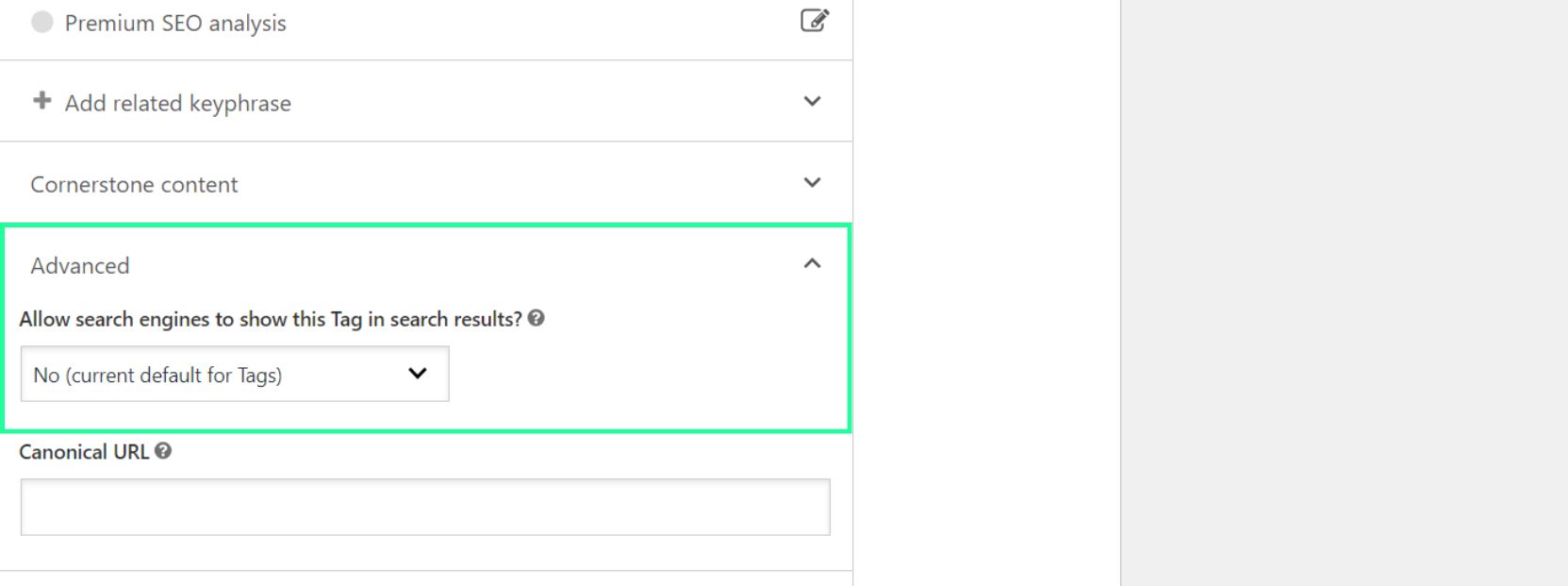
You should avoid duplicating tags and categories as this can make it harder for Google to rank your pages (as they can compete against each other). If you remember to “Index” your categories pages and “Noindex” your tag pages, Google will not see duplicate content between categories and tags and won’t have to choose between them.
Conclusion
WordPress tags can help with SEO, but they must be used with care. Relevant, consistent tagging that will enhance user experience and improve site navigation can be effective, and potentially lead to higher rankings and user engagement rates. However, common pitfalls, such as over tagging and creating duplicate content, can damage your SEO efforts.
Need additional help with your tags? Get in touch with our SEO team on +44(0)77110 52211 or email Aled at aled@lumenseo.co.uk. Alternatively, you can message us on our LinkedIn or Instagram pages.
If you like the sound of working with us, we also offer free, no obligation SEO audits on websites. To claim yours, simply enter your details here and we’ll get a free SEO audit to you.